


|
Unit of Measure Overview
The Unit of Measure Overview screen lists all the units that can be used to state a load quantity.
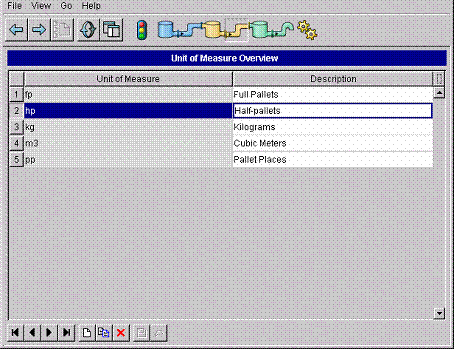
The Unit of Measure
Overview screen
Unit of Measure – the ID of the unit of measure in PipeChain Supply, for example: “kg”; “lb”; “pallets”, etc.
Description – a description of the unit of measure, such as: “Kilograms of Gross Weight”, “Number of Pallets” etc.
If you click on the Create New Item button, you open the following dialog box, where you enter the unit of measure and description (see above):
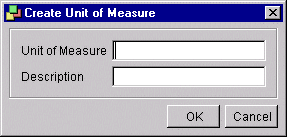
Dialog box for creating
a Unit of Measure